

How to Prototype Electronics: Step-by-Step Guide (with Examples)
Key Takeaways
Electronics prototyping follows a clear progression: from a breadboard concept to a schematic to a printed circuit board (PCB) to a testable working product.
There are two distinct prototype types, which are works-like and looks-like, and knowing which one you need saves time and money.
Expect multiple iterations before your electronics prototype is production-ready; even experienced engineers rarely nail it on the first build.
Rabbit Product Design handles every step in the prototyping process, bridging the gap between a working prototype and a manufacturable product ready for launch.
What to Know Before Working on an Electronic Prototype
Building an electronics prototype is one of the most practical ways to test whether a product idea actually works before committing serious time and money to manufacturing. But the process involves more than just wiring components together on a breadboard.
From choosing the right prototype type to creating production-ready PCB files, each stage demands specific decisions that directly affect your timeline, budget, and the quality of your final product.
This guide breaks down the full electronics prototyping process from start to finish. We also include a hands-on example you can follow to practice the full pipeline yourself.
How to Prototype Electronics: Step-by-Step Guide
The full prototyping process has a natural flow. Skipping stages feels like a shortcut, but almost always results in going back further than where you started. Here's how experienced electronics developers move through it, and how you can too.
Define What Your Prototype Needs to Prove: Start with a simple document, even a handwritten list, that captures your product's core requirements. What voltage does it run on? What inputs and outputs does it need? What's the target power consumption? What microcontroller or processor will run it? These aren't arbitrary questions. They determine your component choices, your PCB complexity, and your testing criteria from the start.
Sketch Your Circuit and Define Requirements: Before opening any design software, sketch your circuit by hand. Identify your main functional blocks, power supply, microcontroller, sensors, outputs, and communication interfaces. This block diagram reveals how many subsystems you're dealing with and where the complexity lives. From here, determine which microcontroller fits, what sensors you need, and whether wireless communication is required. Answering these questions before touching a breadboard saves significant time.
Build a Breadboard Prototype First: A solderless breadboard lets you connect components quickly, test your circuit, and rebuild it without permanent commitment. Mistakes here cost nothing but a few minutes of rewiring. Start with the simplest version of your circuit. If your product needs a sensor, display, and wireless, prototype the sensor alone first. Get it working reliably before adding the next block. This isolation approach makes debugging dramatically faster.
Create a Schematic and Bill of Materials (BOM): Once your breadboard circuit works, formalize it into a schematic using tools like KiCad, Eagle, or Altium Designer. Your BOM must be complete before ordering any PCBs; every component must be listed with its exact part number, package type, quantity, and verified supplier. A BOM with gaps is one of the most common causes of prototype delays.
Design and Order Your Printed Circuit Board (PCB): The PCB layout defines where components physically sit and how copper traces route between them. A perfect schematic can still produce a poorly performing board if the layout is careless, especially with high-frequency signals or noise-sensitive analog circuits. When ready, export your PCB design using Gerber files and pair them with your BOM to place an order. Most manufacturers produce and send out standard two-layer boards within days.
Solder Components and Assemble the Board: When your bare PCBs arrive, the real hands-on work begins. For through-hole components, a standard soldering iron with a fine tip works perfectly. For surface-mount components, which most modern designs use, you'll want to step up to a hot-air rework station or a reflow oven. After soldering, inspect every joint under magnification for bridges, cold joints, and tombstoned passives. Before powering up, use a multimeter to confirm there are no shorts between power rails and ground; a dead short can destroy components instantly.
Program, Test, Debug, and Iterate: With the board powered and the voltage rails confirmed, it's time to load firmware. Load firmware using the Arduino IDE for Arduino-based designs or a JTAG/SWD debugger for custom microcontrollers. These debuggers let you step through code line by line on live hardware, which is invaluable for catching bugs that only surface on real boards. Test each subsystem systematically and verify it independently before testing the full system. Document every result and every change. That log becomes your roadmap for the next iteration.
Practical Electronics Prototyping Examples
The practical example below provides a starting point for building your own prototype using readily available components. It is not a case study of a completed product but a hands-on guide you can follow if you want to work through the full breadboard-to-PCB pipeline yourself.
This example follows the same process outlined above, but shows how your decisions shift depending on project complexity. Use it as a template to structure your own builds.
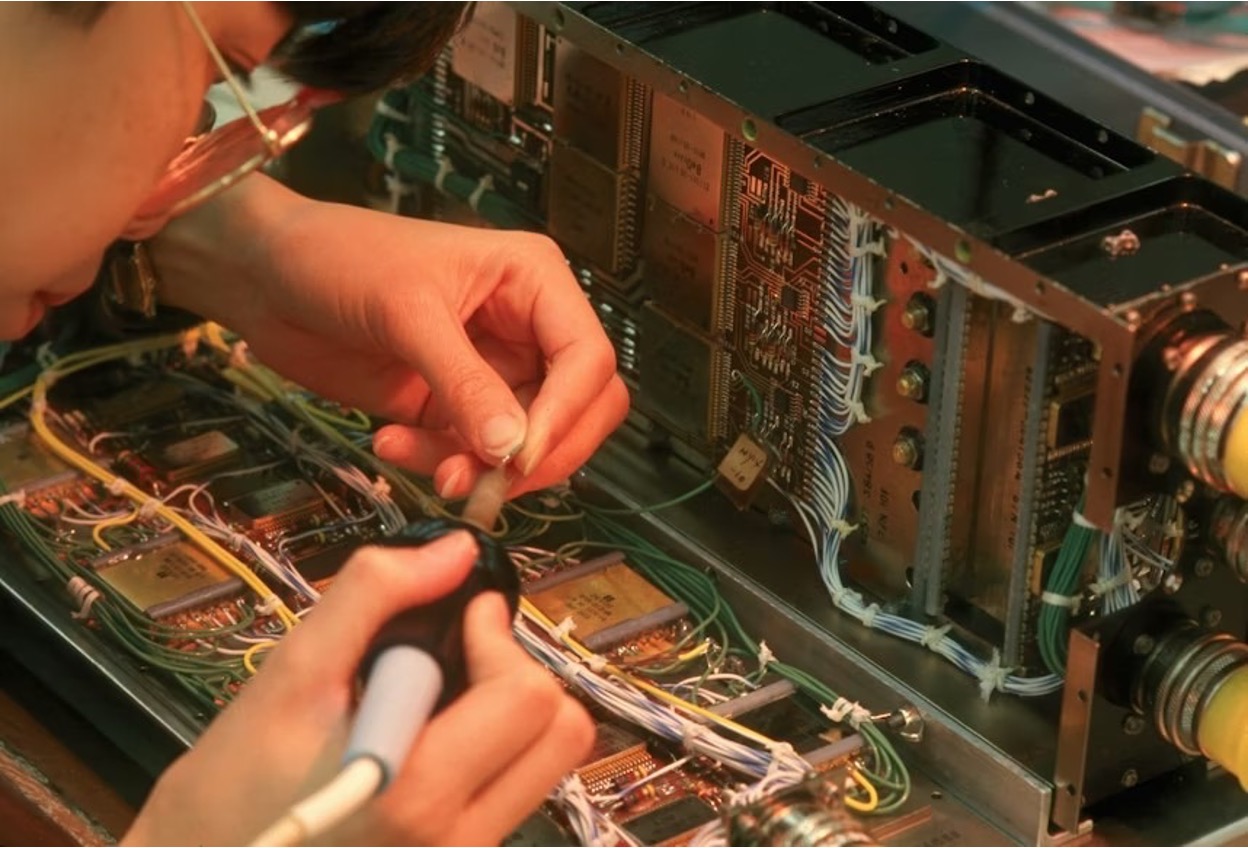
Understanding the prototyping process in theory is one thing; applying it to a real circuit is another.
Example: Building a Simple LED Control Circuit From Breadboard to PCB
If you've never taken a circuit from breadboard to finished PCB, an LED control circuit is the ideal place to start. The circuit itself is straightforward: a pushbutton that switches an LED on and off through a current-limiting resistor, but it walks you through every stage of the pipeline without overwhelming you with complexity.
Once you've completed this build, the same workflow applies directly to more advanced output-control projects, such as relay drivers or motor controllers.
How to Set Up the Breadboard
Gather five components: a 5V power source, a tactile pushbutton, a 330Ω resistor, a standard red 5mm through-hole LED, and a ground connection. Wire them in series: power to one leg of the button, the other leg to the resistor, the resistor to the LED anode, and the LED cathode to ground. Press the button and confirm that the LED lights up. That's your proof of concept, and it should take no more than fifteen minutes.
How to Move It to PCB
Open KiCad and create a new project. Build a schematic using the four components, then assign footprints and switch to the PCB editor. Place the footprints, route the three copper traces connecting them, add silkscreen labels for easy identification, and run the Design Rule Check to catch any spacing or clearance errors. Export your Gerber files and upload them to a manufacturer like JLCPCB. A board this simple costs under $5 for five copies and typically ships within a week.
How to Assemble & Test the Finished Prototype
Once your boards arrive, solder the four components to the PCB using a fine-tip soldering iron. Start with the lowest-profile part, the resistor, and work up to the tallest, the LED. After soldering, inspect each joint under magnification and use a multimeter to check for shorts between the power and ground traces. When everything looks clean, connect your 5V source and press the button.
If the LED lights up reliably across multiple presses, your first PCB prototype is confirmed working. Compare it side by side with your original breadboard build. You should see the same behavior in a fraction of the physical space, with connections that won't come loose. From here, the same assemble-inspect-test sequence scales directly to more complex boards with dozens or hundreds of components.
From Breadboard to Market: How Rabbit Product Design Takes Electronics Further

Electronics prototyping follows a clear progression, from breadboard concept to schematic, to PCB, to a testable working product, and our experienced team is here to guide you through the process.
At Rabbit Product Design, we treat electronic prototyping as a full product development process, not just building a working demo. Our team handles the entire stack, from embedded systems to engineering, to move concepts toward manufacturable products.
We close the gap between functional prototypes and real products by integrating design, engineering, manufacturing, branding, and launch planning. Our goal is simple: turn your concept into something that can be built at scale and sold as a business.
Reach out today to create your electronic prototype with us.
Frequently Asked Questions (FAQs)
Do I need to know how to code to prototype electronics?
For microcontroller-based designs, yes, at least the basics. Purely analog circuits require no coding. IoT or custom microcontroller projects need deeper embedded C knowledge. If coding is a blocker, start with analog projects while building firmware skills on the side.
How long does it take to get a PCB prototype made?
Standard two-layer boards ship within 24–48 hours of file upload, with delivery adding 7–14 days standard or 3–5 days expedited. Four-layer boards add a few extra fabrication days. The total timeline from finalized design to boards in hand is typically two to three weeks.
What is the difference between a schematic and a PCB layout?
A schematic captures the circuit's logic by showing how components connect electrically using standardized symbols. A PCB layout translates that into a physical board design, determining where components sit and how traces route between them. Both are created in the same software but serve different purposes.
How does Rabbit Product Design help with building a prototype good enough to be manufactured?
At Rabbit Product Design, our senior-level engineers, averaging 27+ years of experience, handle every stage of product development: electronics and PCB design, mechanical engineering, industrial design, prototyping with production materials, patent landscape research to inform your strategy, manufacturing sourcing, and launch support. If you have a working prototype and need help taking it to production, we offer free consultations to map out next steps.
*Disclaimer: This content is for educational purposes only and not financial, legal, or business advice. Figures vary by circumstance. Consult qualified professionals before making decisions. For personalized guidance, contact Rabbit Product Design.